⚡ Install 🌟 Features ⌨️ Commands 📹 Tutorial
✨ Ubuntu 26.04 LTS Ready • Zero Root Needed

Run Ubuntu Desktop Smoothly on Android

Transform your Android device into a full-blown Linux workstation with Termux and PRoot. Equipped with working audio, browsers, VS Code and sleek themes.

pkg update && pkg install git -y && git clone --depth=1 https://github.com/modded-ubuntu/modded-ubuntu.git && cd modded-ubuntu && bash setup.sh
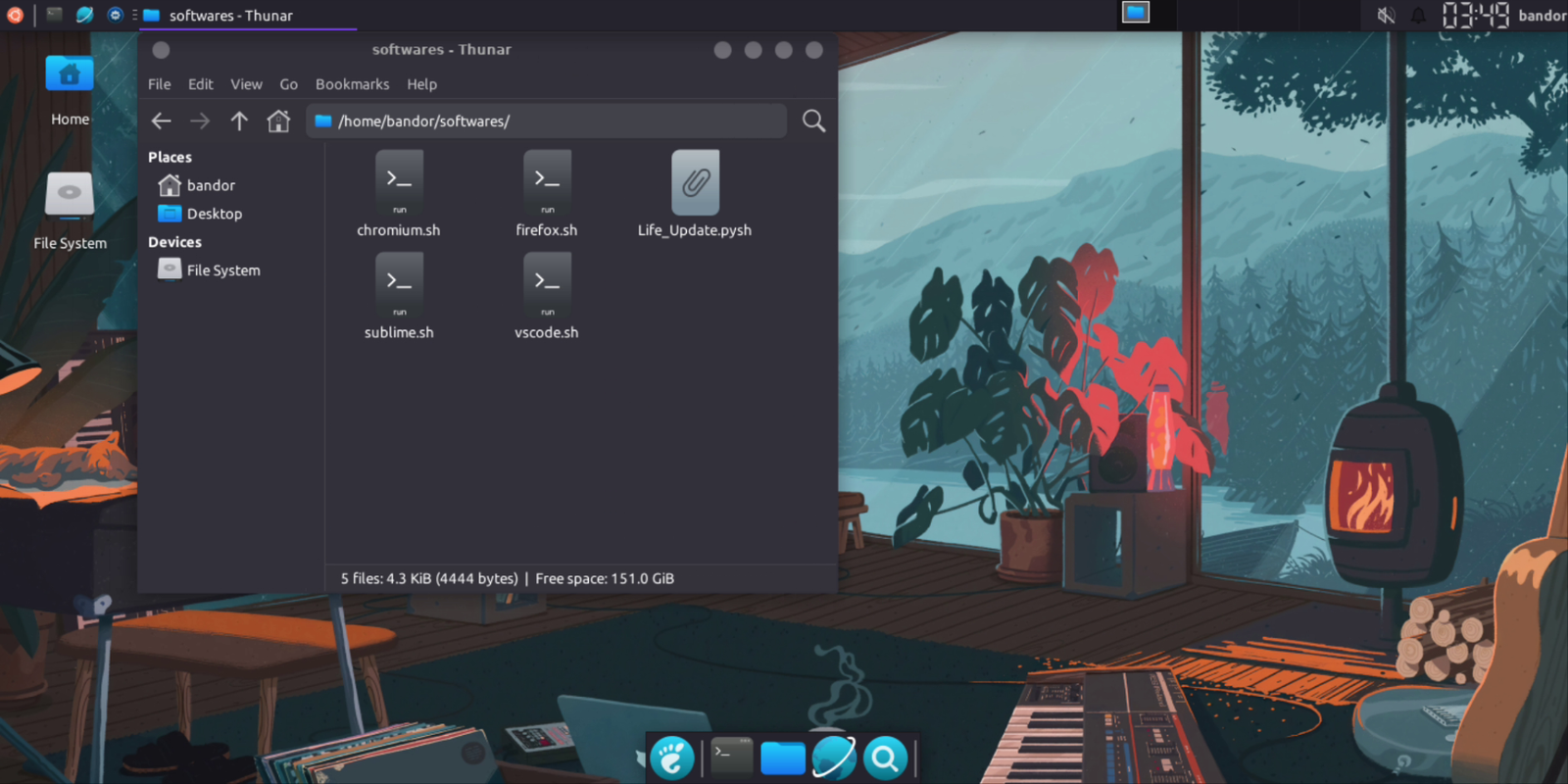
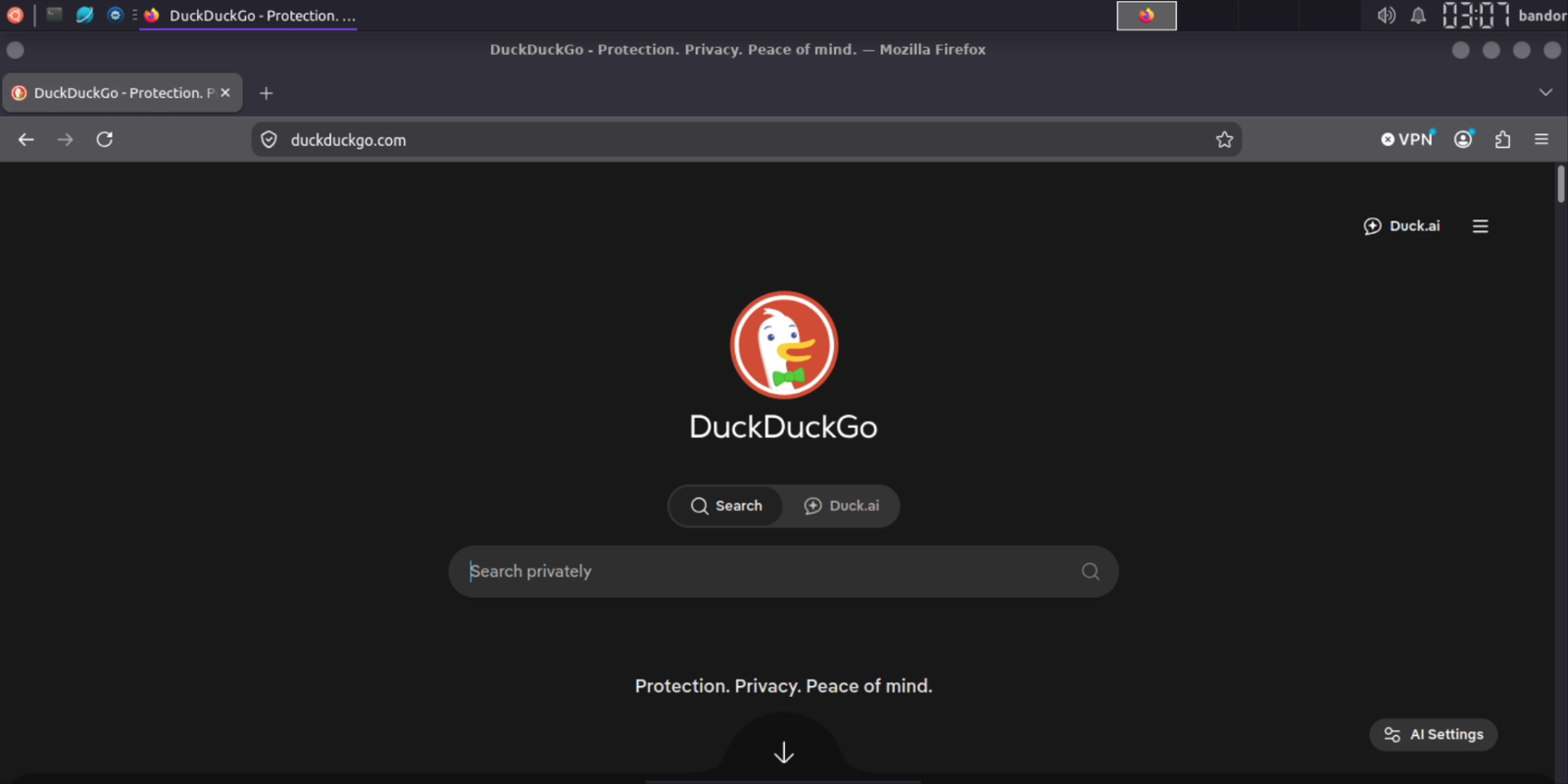
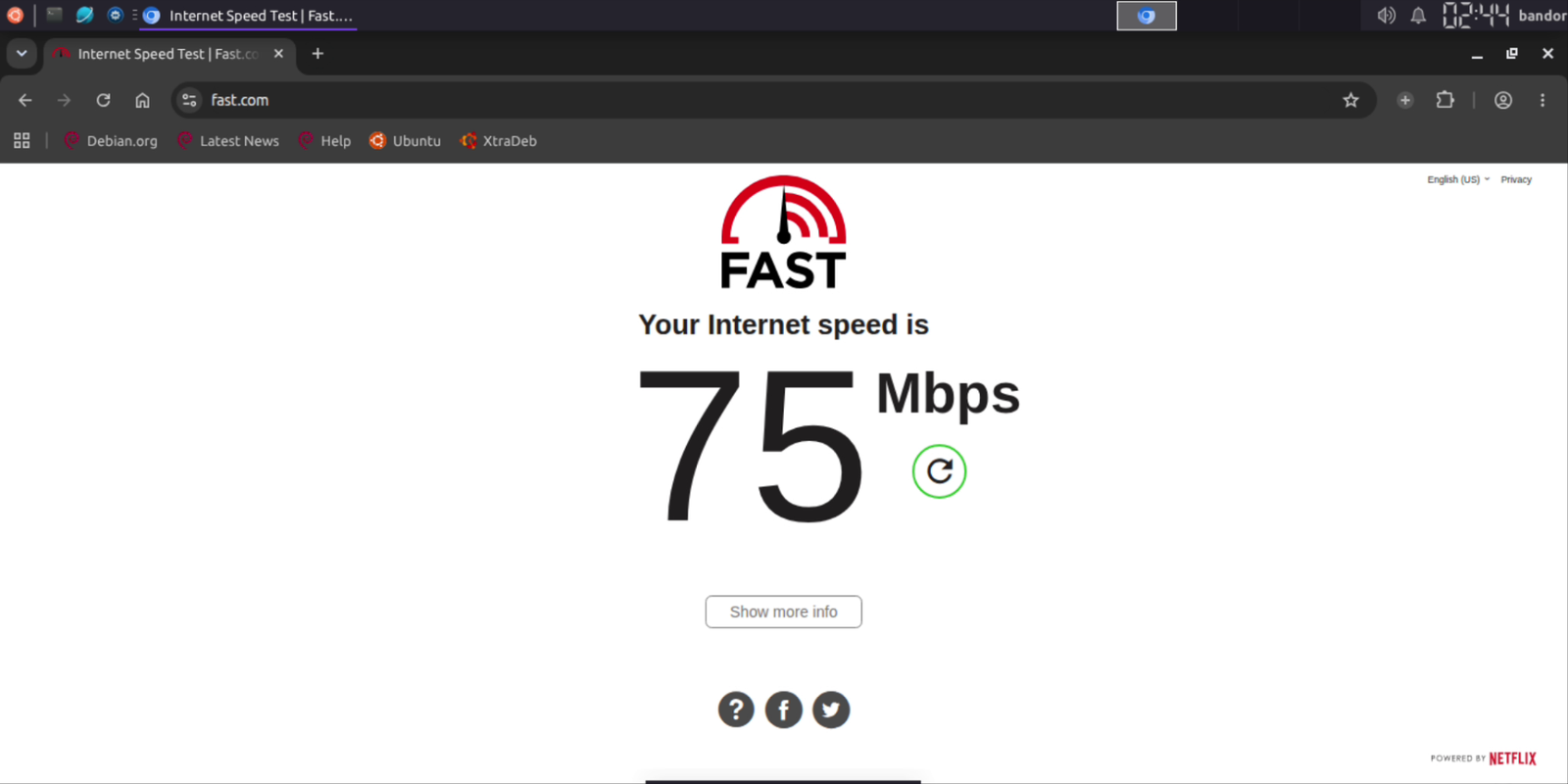
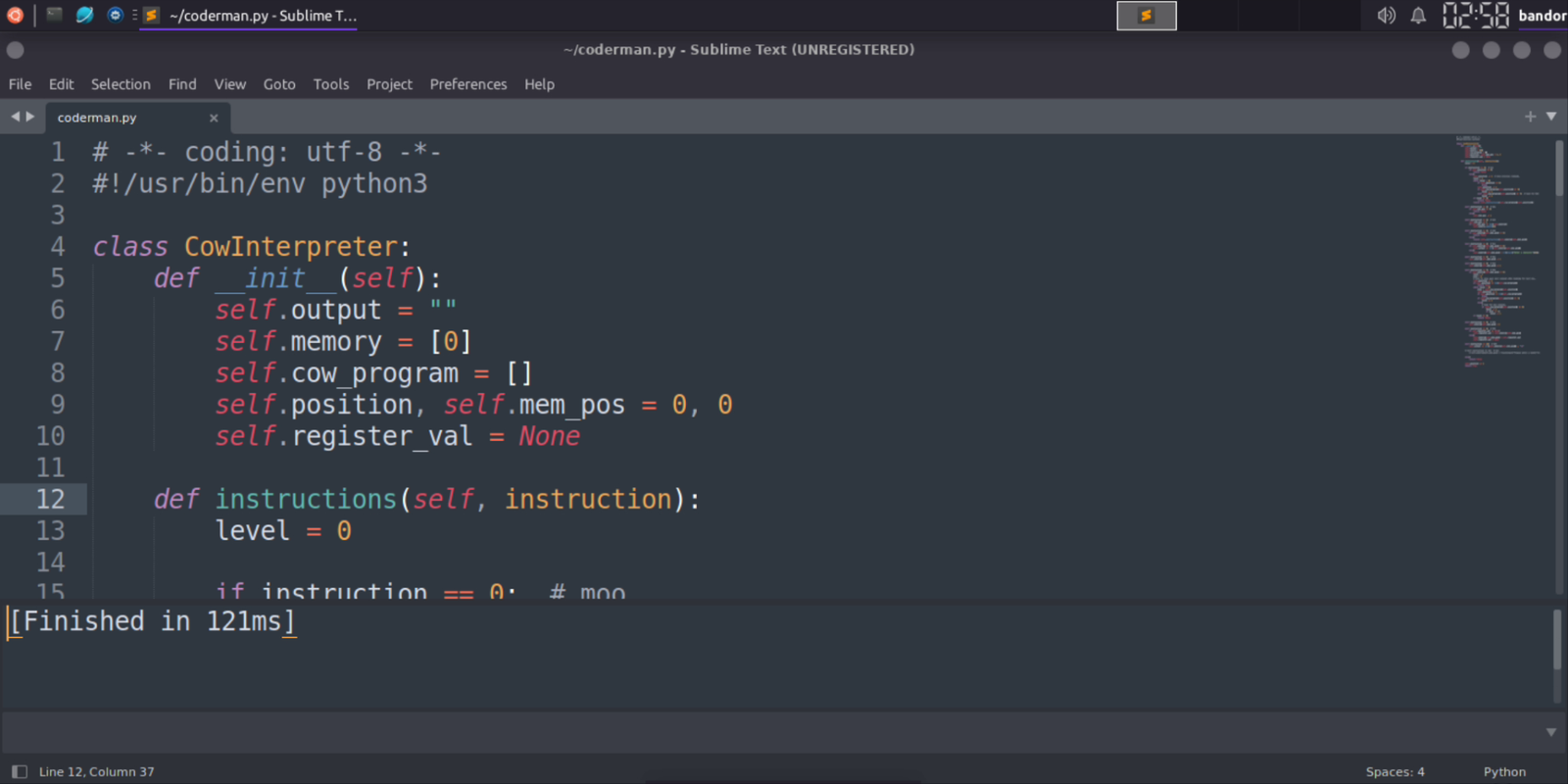
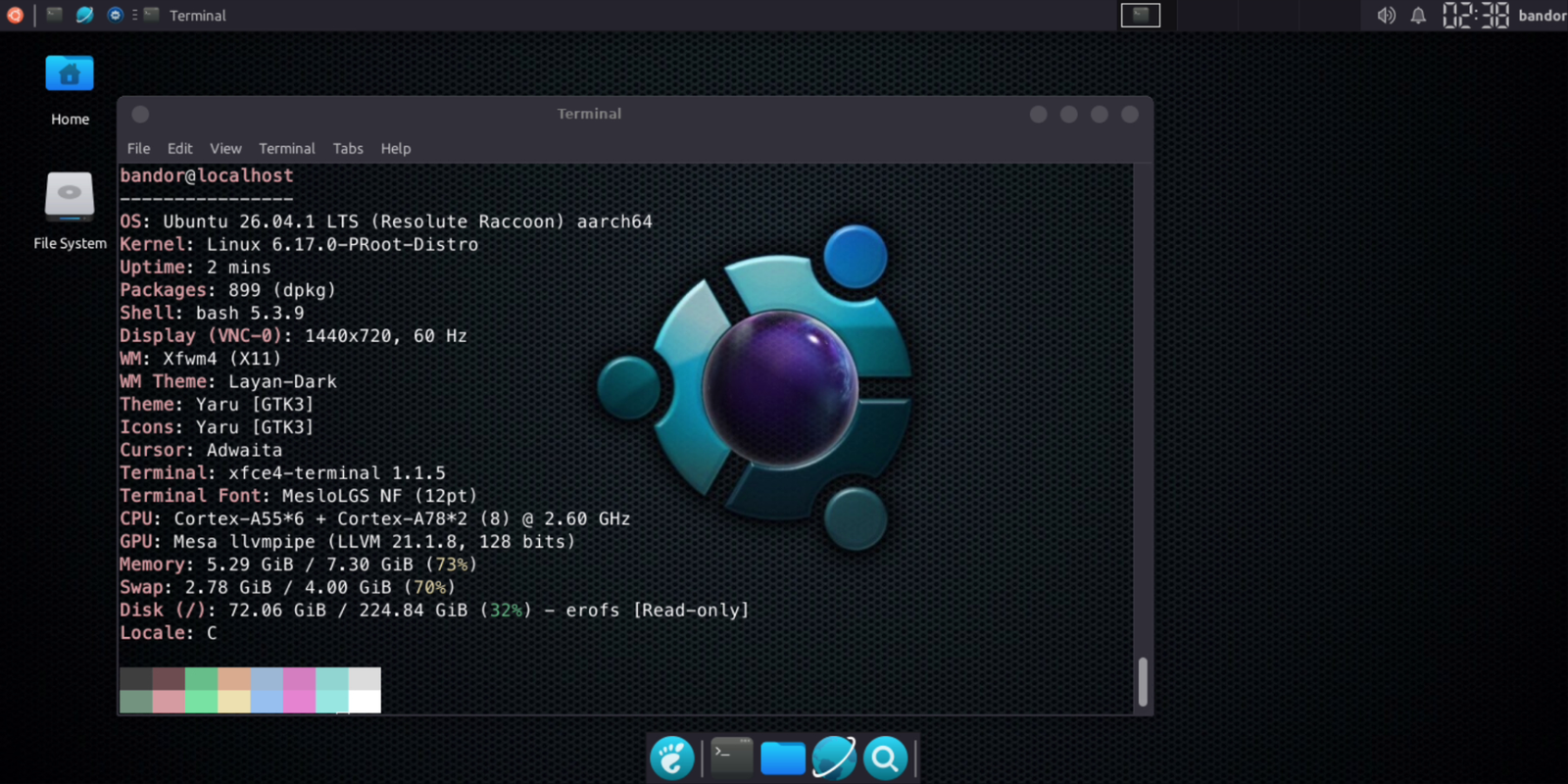
xfce4-desktop — localhost:1 (VNC)
Preview Preview Preview Preview Preview Preview Preview

Built for Everyday Use

Everything you need for learning Linux and browsing the web.

🔒

No Root Required

Runs 100% in user-space inside Termux. Safe, secure and preserves your device warranty.

🚀

Ubuntu 26.04 LTS

Built upon the latest Ubuntu LTS release for modern packages and long-term security.

🔊

Working Sound & Audio

Pre-configured PulseAudio daemon, including tailored fixes for Samsung Galaxy devices.

🌐

Working Web Browsers

Chromium and Firefox are pre-patched with container sandbox bypasses so they launch without crashing.

💻

Coding Ready

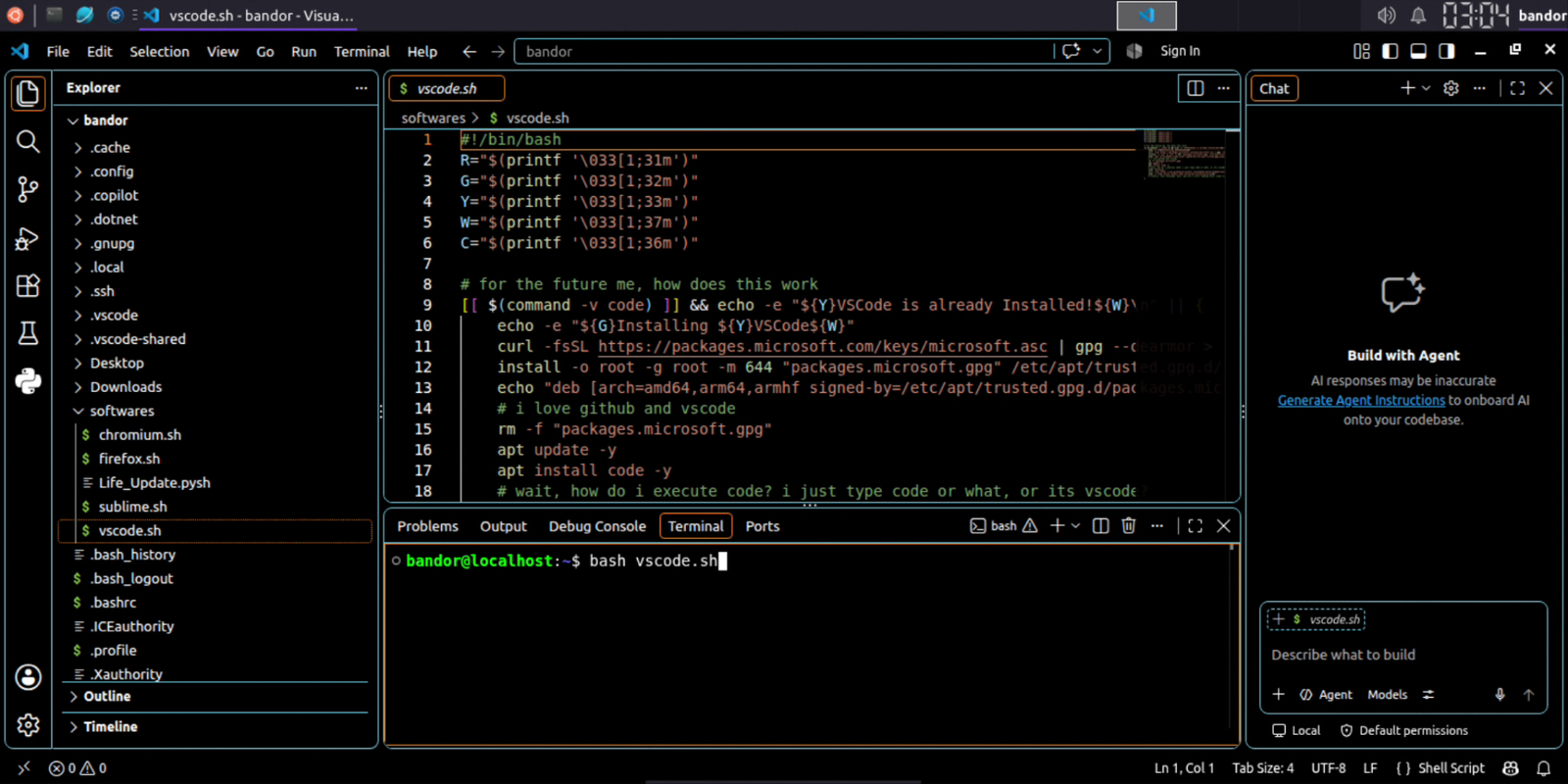
Bundled with Visual Studio Code (optimized for ARM64) and Sublime Text for coding anywhere.

💾

Save Phone Storage

Modular installer lets you pick only the components you need to fit devices with limited space (~4GB).

🎨

Polished Modern Look

Styled with Kora icons, Breeze cursor, tailored XFCE4 panel layouts and native Bangla & Nerd fonts.

Effortless Controls

Launch the CLI anytime by typing ubuntu or run vncstart to fire up your desktop GUI.

Simple 4-Step Installation

Get up and running in just a few minutes using your phone and Termux.

1

Get Termux

Download Termux from F-Droid or GitHub.

2

Run Setup Script

Paste the following into Termux and type your chosen lowercase username when prompted:

yes | pkg up && pkg install git wget -y && git clone --depth=1 https://github.com/modded-ubuntu/modded-ubuntu.git && cd modded-ubuntu && bash setup.sh
3

Configure Desktop GUI

Restart Termux, run the GUI wizard, and set your VNC password

ubuntu
sudo bash gui.sh
4

Connect with VNC Viewer

Open VNC Viewer, set address to

localhost:1

set Quality to High and connect!

Video Walkthrough

Click the video below to watch the setup tutorial.

Setup Video Walkthrough

Having trouble playing? Open directly in new tab ↗

Commands Cheat Sheet

Quick reference commands to control your Ubuntu desktop.

Command Where to Run Action
ubuntu Termux Starts the Ubuntu CLI session
vncstart Ubuntu Starts the TigerVNC desktop server on localhost:1
vncstop Ubuntu Stops the running VNC desktop server
sudo bash gui.sh Ubuntu (root) Reconfigures desktop components & themes
bash remove.sh Termux Completely uninstalls Ubuntu and cleans up storage

Star History